For specialty coffee roasters
Give every coffee a brew guide worth keeping.
Give every coffeea brew guide worth keeping.
Beautiful recipe cards your customers can scan, save, and use — linked from your bag, counter, or socials.
The problem
The handoff breaks after checkout
Most customersbrew your coffee wrong.
Not because they do not care. Because the right recipe is too easy to lose and too hard to repeat.
The recipe is buried in an email, a PDF, or not there at all.
Grind size, temperature, ratio, all guessed at the first brew.
A bad experience at home doesn't reflect your coffee. It reflects your instructions.
You spend time answering the same brew questions over and over.
Why the handoff gets messy
Every brewer needs different instructions.
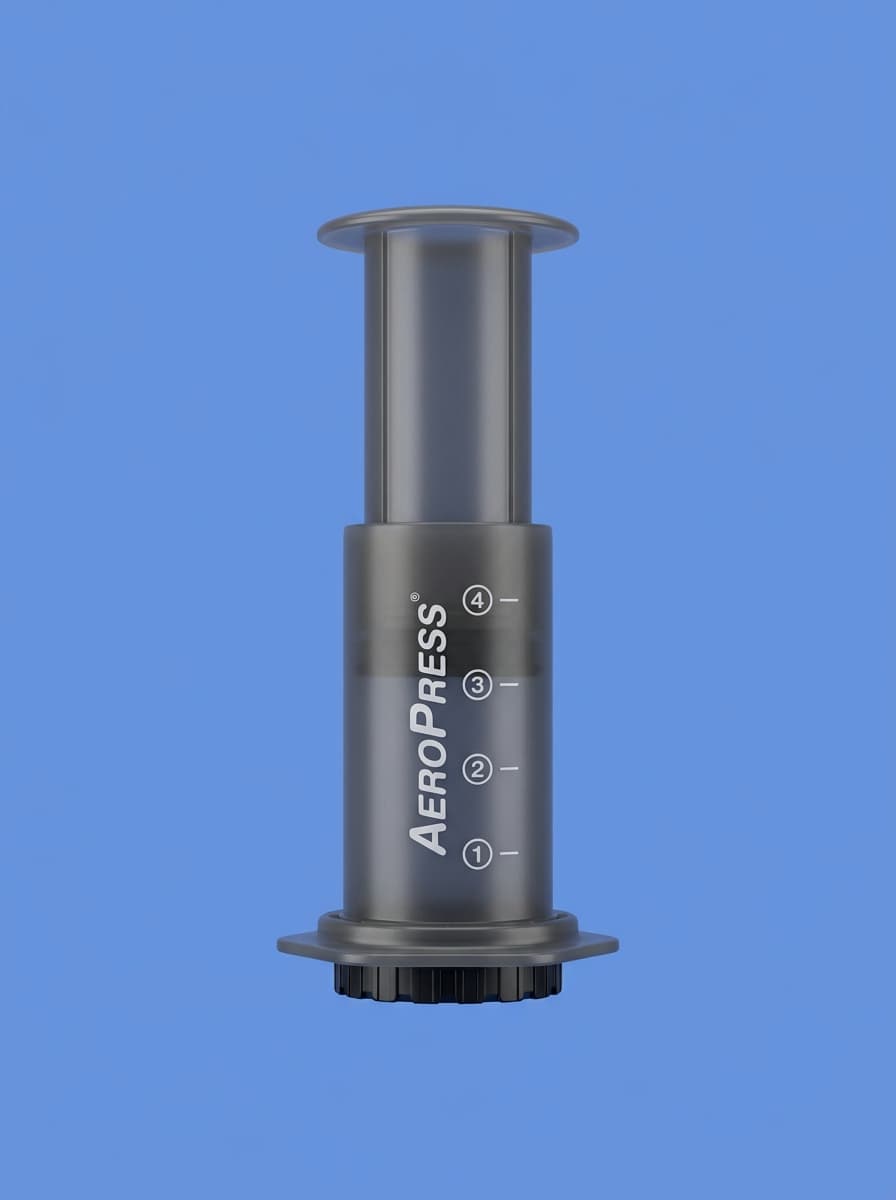
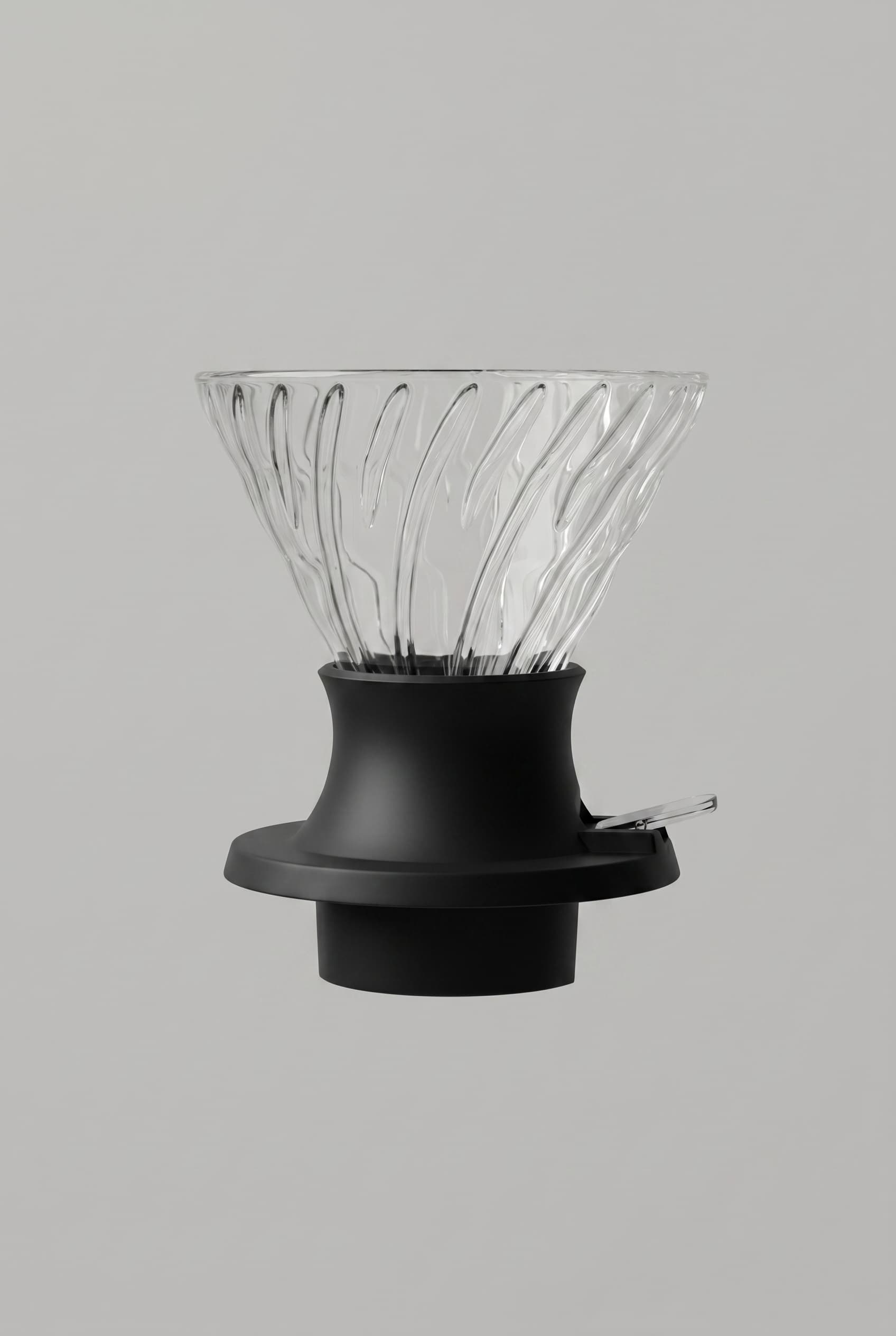
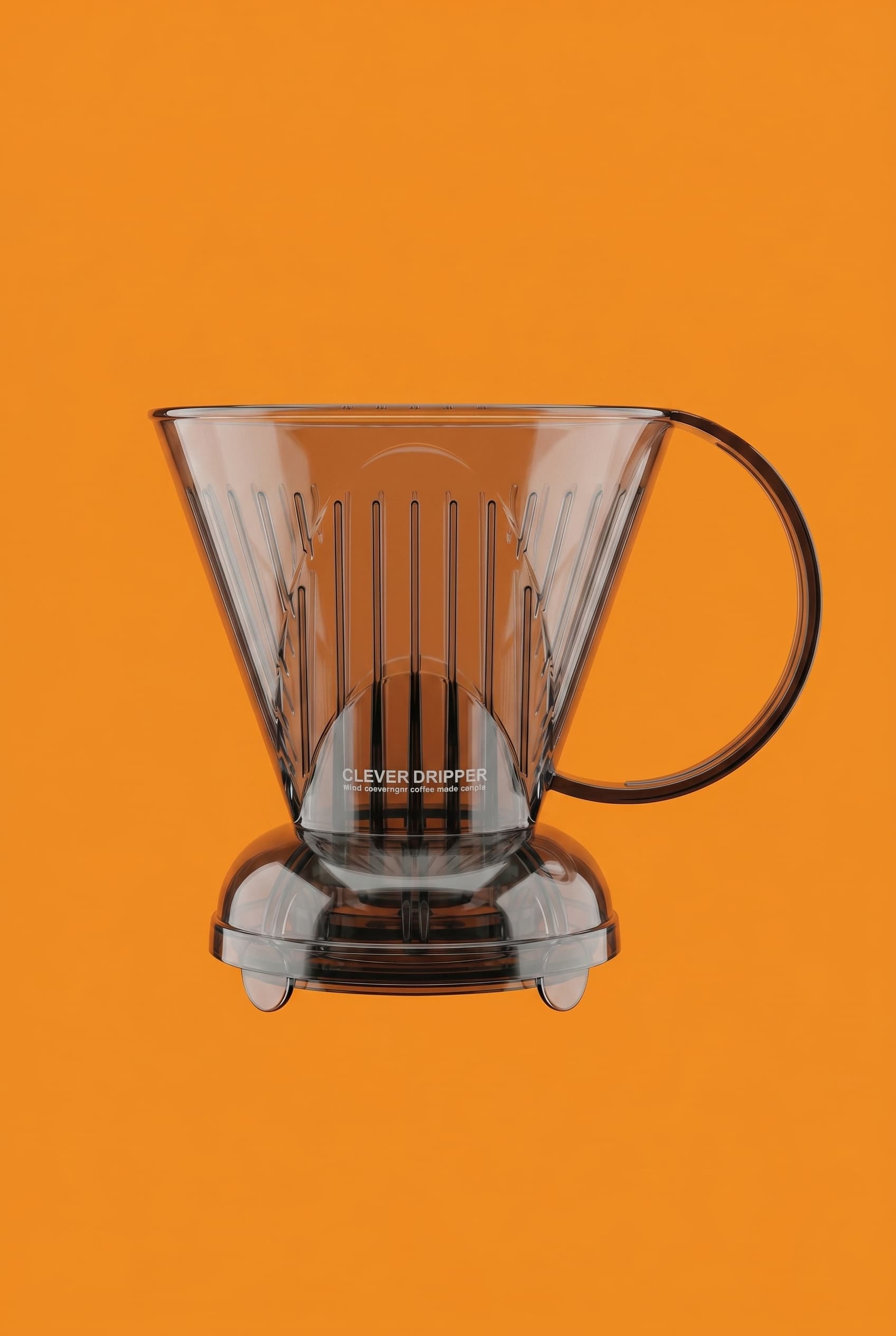
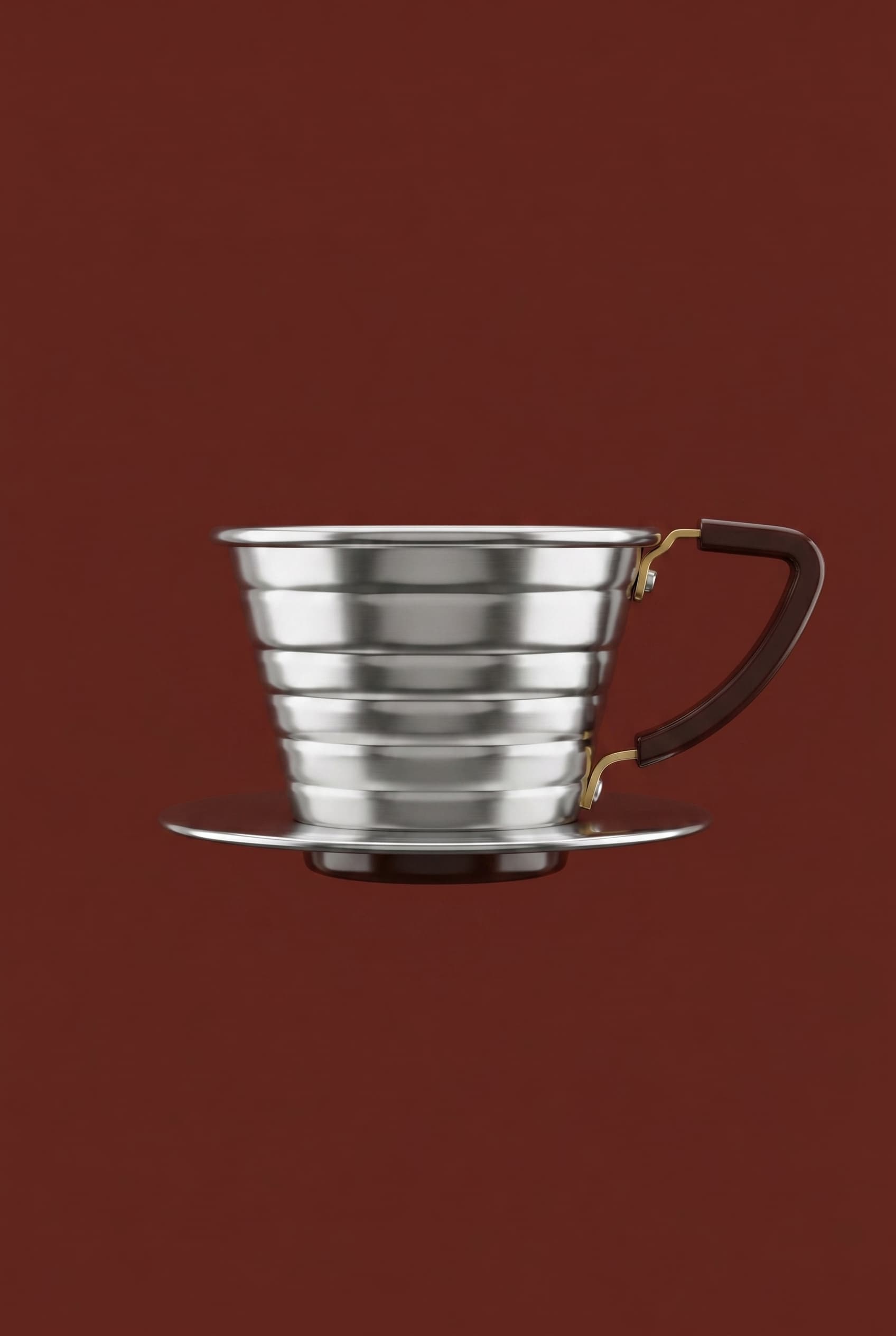
V60, AeroPress, espresso, immersion, stovetop, and custom brewers all change the recipe customers have to repeat.
What BrewCard does
The system after checkout
One card per coffee.One page for your roastery.
A shareable recipe card for every coffee you sell and a single branded page where all of them live. Linked from your bag. Always up to date.
Beautiful cards
Nine themes, dark and light. Cards that feel like part of your packaging, not an afterthought.
Share by link or QR
Every card has a URL you can print on bags, post on Instagram, or drop in an email. The QR always points to the right recipe.
Always editable
Updated the recipe? Change the card. No reprinting bags. No broken links. The QR just works.
Every brew method
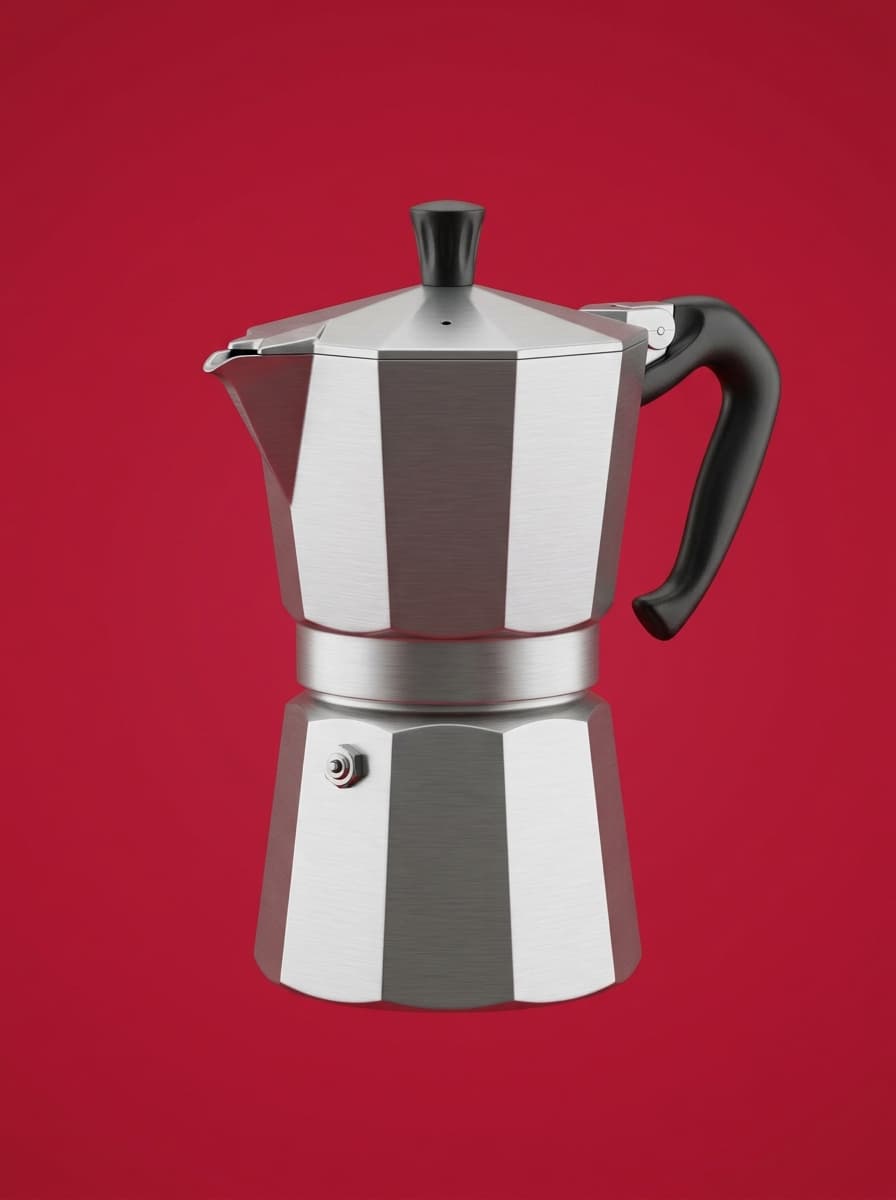
V60, AeroPress, Origami, Orea, Espresso, French Press, Moka Pot, Cold Brew, and custom methods.
Where it lives
The recipe shows up everywhere
Every touchpoint.One recipe.
Inside the bag
Print the QR on your packaging or insert card. Customers scan it once and have the recipe on their phone, ready to use every brew.
At the counter
Hand a card to a customer buying beans. Or display a QR at the till. The recipe goes home with the coffee.
On social
Share the card as an image or link when you post about a new release. Something to save, not just scroll past.
Post-purchase follow-up
Include the recipe link in your order confirmation or email. The best time to improve a customer's brew is right after they order.
Questions
Straight answers.
- How does the roastery page work?
- You get in touch and we set it up together. A dedicated page at brewcard.app/your-roastery with all your recipe cards listed in one place. When a recipe changes, just let us know.
- Is this free for roasters?
- Yes, for now. We're building relationships with specialty roasters and there's no cost to get started.
- Can I print the QR code on my bags?
- Yes. Every card has a stable URL you can encode as a QR. It will point to the right recipe even if you update it later, no reprinting needed.
- How do I update a recipe?
- Just message us. We'll update the card. The URL stays the same, so any printed QR codes keep working.
- Can I download the cards as images?
- Yes. Every card exports as a high-resolution PNG, ready to post on Instagram, add to a website, or include in email.
- We have multiple brew methods for one coffee. Is that possible?
- Yes. You can have a separate card per method, V60 and AeroPress for the same coffee, each with the right parameters. Both show up on your roastery page.
Contact
Leave your email.
We'll reach out.
If BrewCard feels relevant for your roastery, send over your email and we'll follow up personally.